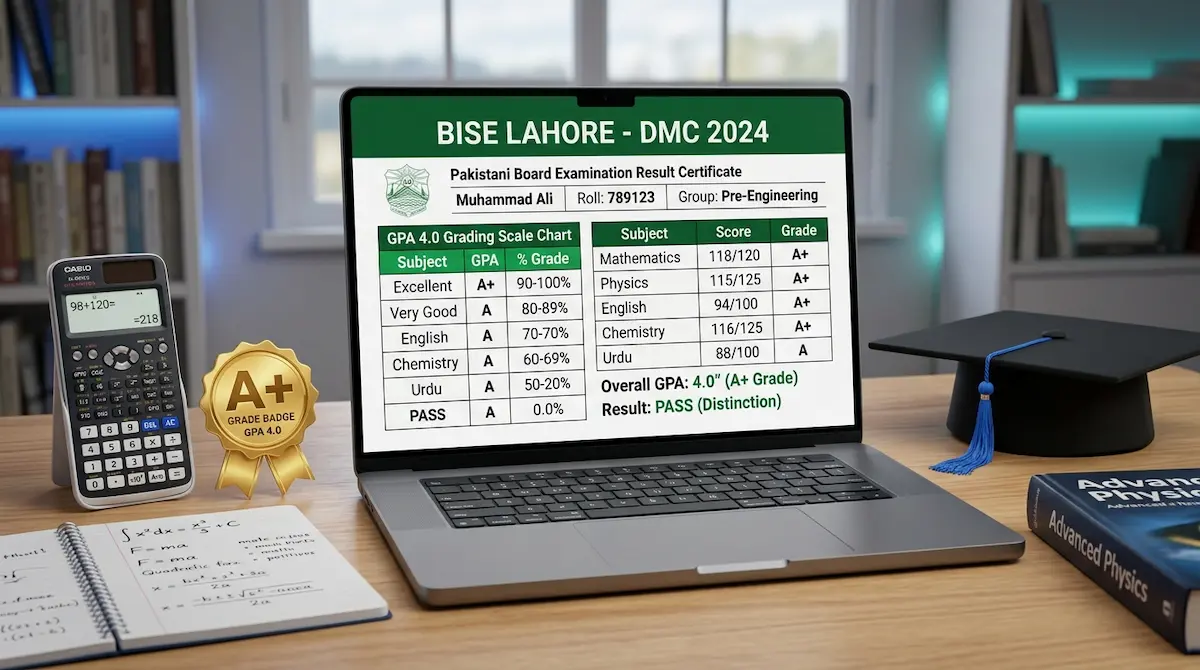
BISE Paper Rechecking Bank Challan Online Payment
To pay your BISE paper rechecking fee, you generate a bank challan on your board’s website, print it, and deposit it either at an HBL branch or through a mobile wallet using the 1Bill number printed on the slip. The paid challan is your proof of payment and must be attached to your rechecking application.
This guide covers the challan itself — how to create it, what the copies mean, and every way to pay it in 2026. If you still need the basics of what rechecking is or the deadline, that sits in the rechecking process section on our homepage.
What the rechecking challan is
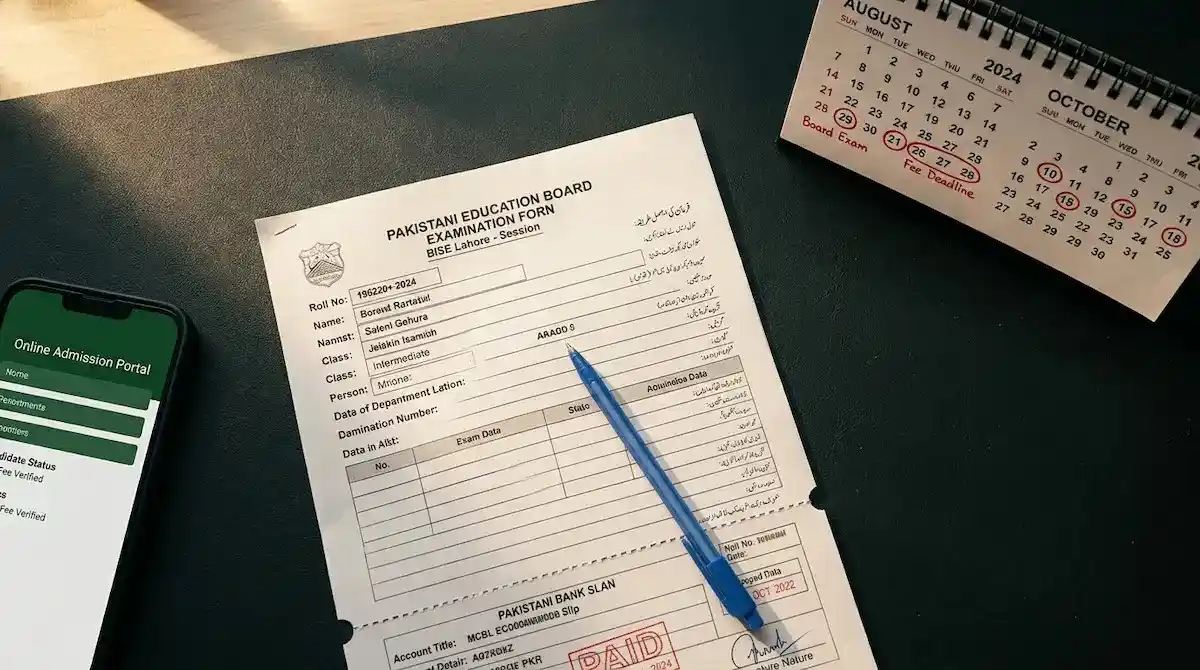
The challan is a pre-formatted fee voucher generated by your board with a unique challan number and, on most Punjab boards now, a 1Bill invoice number. It is not a blank bank slip. Your name, roll number, fee head, and amount are filled in by the board’s system before you print it.
Every challan prints in multiple copies on one sheet:
- Bank copy — kept by the bank.
- Depositor (student) copy — kept by you as proof.
- Board / department copy — attached to your rechecking form.
Keep all copies together until your application is submitted.
How to generate the challan online
The exact button name changes per board, but the flow is the same everywhere.
- Open your board’s website and find the challan tool. On BISE Lahore it is under E-Services; on BISE Multan it is the Open Challan option in the online forms portal; BISE Gujranwala and BISE Rawalpindi run a dedicated Online Challan Generator.
- Select SSC Part-I and choose the fee type Rechecking of Answer Book. Picking the correct fee head matters — a challan made under the wrong head will not count toward your rechecking.
- Enter your roll number and registration number exactly as printed on your roll number slip. The system pulls your record and fills in your details.
- Enter the number of subjects (answer books) you want rechecked. The fee is charged per answer book, so the total updates automatically.
- Generate the challan. The amount is now printed on the slip — you never have to calculate or guess it.
On BISE Lahore, the rechecking fee head is Rs 1,000 per answer book plus a Rs 100 form charge. Other boards print their own rate on the challan. Read the amount off your generated slip rather than trusting any figure quoted elsewhere.
Printing the challan correctly
Print the challan on plain A4 in clear black. Check three things before you leave for the bank or open your wallet app:
- The challan number and 1Bill number are readable.
- Your roll number and name are correct.
- The validity / due date has not passed. Challans expire. A challan paid after its printed expiry date is rejected, and you must generate a fresh one.
If you have no printer, save the PDF — for digital payment you only need the 1Bill number on screen.
How to deposit the challan
You have two routes. Both are official.
Route 1 — Pay at the bank (over the counter)
Take the printed challan to any branch of the board’s designated bank, which is HBL for most Punjab boards. The cashier stamps and signs your depositor copy. That stamp is your proof. This route suits anyone without a bank app or mobile wallet.
Route 2 — Pay digitally with the 1Bill number
If your challan carries a 1Bill invoice number, you do not need to visit a bank at all. Open any banking app or wallet — HBL, UBL, Meezan, Bank Alfalah, Easypaisa, JazzCash, or HBL Konnect — go to the 1Bill / Bill Payment section, enter the invoice number, and confirm. The app fetches the exact amount and processes it in seconds.
Digital payment verifies automatically through the board’s integrated system, so there is no bank stamp. Your transaction receipt or screenshot is your proof instead. Save it.
One rule for digital payment: pay through the 1Bill invoice option only. Do not transfer money directly into any account number printed on the challan — a direct transfer will not link to your application.
Confirming the payment went through
- Bank counter: the stamped depositor copy is instant confirmation.
- Digital: you get an SMS and in-app receipt. Boards that offer a fee-confirmation or Track Application Status page let you verify the payment shows against your record before you submit the form.
Wait until the payment reflects before attaching it to your rechecking application, especially near the deadline.
Common challan problems and fixes
- “Fee not verified” after digital payment. Verification can take a short while to sync. Keep your receipt; if it still does not show after a day, contact your board with the transaction ID. You can reach numbers through the board helpline page.
- Challan expired before you paid. Generate a new one. The expiry only voids that slip, not your right to apply, as long as the rechecking window is still open.
- Wrong fee head selected. An overpaid or misdirected fee needs a separate refund request at the board office, and refunds carry a deduction. Avoid this by confirming the fee head reads Rechecking of Answer Book before you pay.
- Lost the printed challan. If unpaid, reprint it from the same portal using your roll number. If already paid at a bank, your stamped depositor copy is the record — not the board copy.
Quick checklist before you submit
- Challan generated under the rechecking fee head.
- Correct number of answer books.
- Paid before the expiry date.
- Proof kept — bank stamp or digital receipt.
- Board copy attached to your rechecking form.
Pay the challan first, confirm it cleared, then submit your application. That order prevents a rejected or unlinked payment holding up your rechecking.